

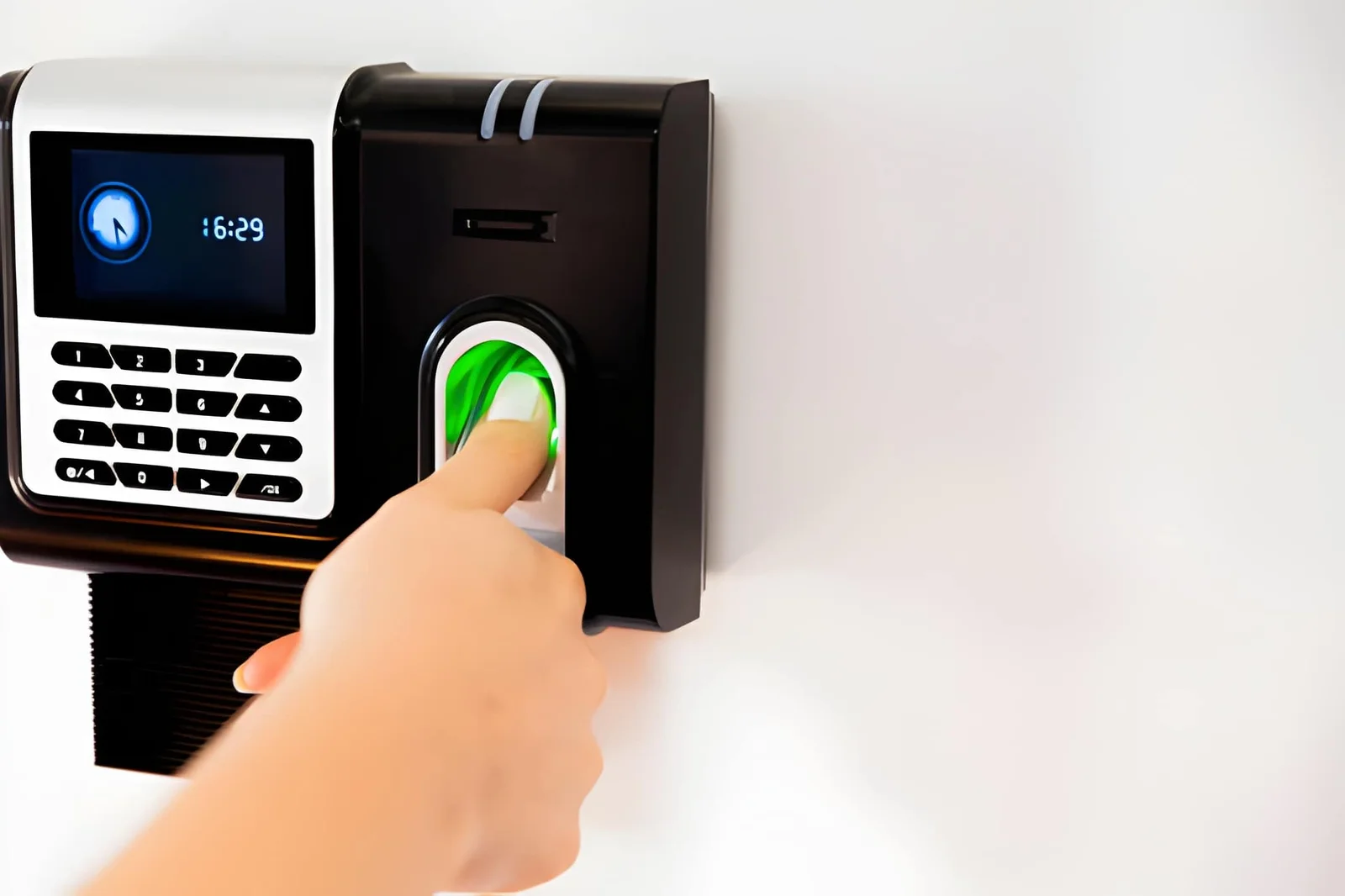
A fingerprint scanner reads your finger in one of two main ways. Optical sensors use light to photograph the ridge pattern. Capacitive sensors measure electrical differences between ridges and valleys. Ultrasonic sensors use sound waves and are a third, less common option. Optical models can struggle with dirt and scratches, while capacitive models can struggle with very dry or worn skin. Choose by workplace conditions, and keep a backup method ready.
It is Monday morning, and the queue at the factory gate is long. An employee presses a thumb on the device, waits, and tries again. The machine still says no. Meanwhile, the line grows, and shift managers start checking their watches. Nobody is lying; the fingerprint scanner simply cannot read a dry, dusty thumb.
This problem costs time, trust, and clean payroll data. HR teams often blame the employee when the sensor inside the device is the real cause. Understanding how fingerprint biometrics work helps you buy the right hardware and set fair rules. In this guide, you will learn how optical and capacitive sensors read a finger, where each one struggles, and what to check before your next purchase. We keep the science simple and the advice practical.
Optical Sensors Take a Picture of Your Fingerprint
An optical sensor reads a finger by taking a picture. Inside the fingerprint scanner, a light source shines on the fingertip, and a small camera records the ridge-and-valley pattern.
Software turns that image into a digital template and compares it with each new scan. This design is older and simpler, so optical fingerprint readers are common and often lower cost.
The weakness is the glass. Grease, dust, and scratches can blur the image, and a blurred image can cause a scan to fail.
Capacitive Sensors Read Electricity, Not Light
A capacitive sensor reads electrical differences between ridges and valleys. Ridges touch the surface, while valleys leave tiny air gaps, and the chip measures that change.
In a capacitive fingerprint scanner, no visible image is needed, so surface dirt matters less. For that reason, many modern fingerprint scanner biometric devices rely on this method. Very dry, worn, or damaged skin can still weaken the signal, though.
Where Every Fingerprint Scanner Meets Its Limits
Every fingerprint scanner has limits. Optical sensors struggle most with dirt and scratches, while capacitive sensors struggle most with very dry or worn fingertips. Your workplace decides which problem you will see more often.
- Dust: Warehouses and factories can soil optical glass quickly, so regular cleaning matters.
- Moisture: Damp or sweaty fingers can reduce accuracy on many sensors.
- Wear: Manual labor, frequent handwashing, and age can flatten ridges, which makes enrollment harder.
Ultrasonic Sensing: A Third Option for a Fingerprint Scanner
Ultrasonic sensors use sound waves to map the finger in three dimensions so that they can read through light dirt and moisture. They are less common and often cost more.
Four Checks Before You Approve a Purchase
Ask the vendor which sensor type the device uses, then test it on your real workforce. A short trial prevents months of complaints.
- Which sensor type does the fingerprint scanner biometric device use, and which conditions does it handle best?
- How is enrollment quality checked? A poor first scan causes repeat failures.
- Is there a backup method, such as face recognition or a card?
- Does attendance data flow into your HR system automatically?
Any fingerprint scanner performs better after careful enrollment. With sound fingerprint biometrics and a backup option, honest employees stop losing time at the gate.
Matching Hardware to Your Workplace
The best hardware matches your environment, not a brochure. Flowfiz supplies fingerprint and facial recognition attendance machines for offices, factories, and schools in Pakistan. Teams can pair a fingerprint scanner with facial recognition where hands take heavy daily use.
Its devices work with HR software, so managers can see attendance records without retyping them. When comparing fingerprint reader devices from different suppliers, ask for a trial first. If a camera suits an entrance better, review CCTV versus biometric attendance before deciding.
Choose the Fingerprint Scanner That Fits Your Floor
A fingerprint scanner works best when its sensor suits your environment. Optical sensors take a picture, capacitive sensors read electricity, and ultrasonic sensors use sound. Choose based on dust, moisture, and wear, then keep a backup method ready. That one decision protects both your attendance data and your team’s patience.
FAQs
What is the main difference between optical and capacitive sensors?
Optical sensors capture an image of the fingertip with light. Capacitive sensors read electrical differences between ridges and valleys.
Which fingerprint scanner type suits dusty sites?
Capacitive sensors often tolerate surface dirt better than optical glass. Still, test any device on site before buying.
What should HR do when a finger will not scan?
Offer a backup, such as face recognition or a card, and re-enroll the finger. Do not treat repeated failures as misconduct.