

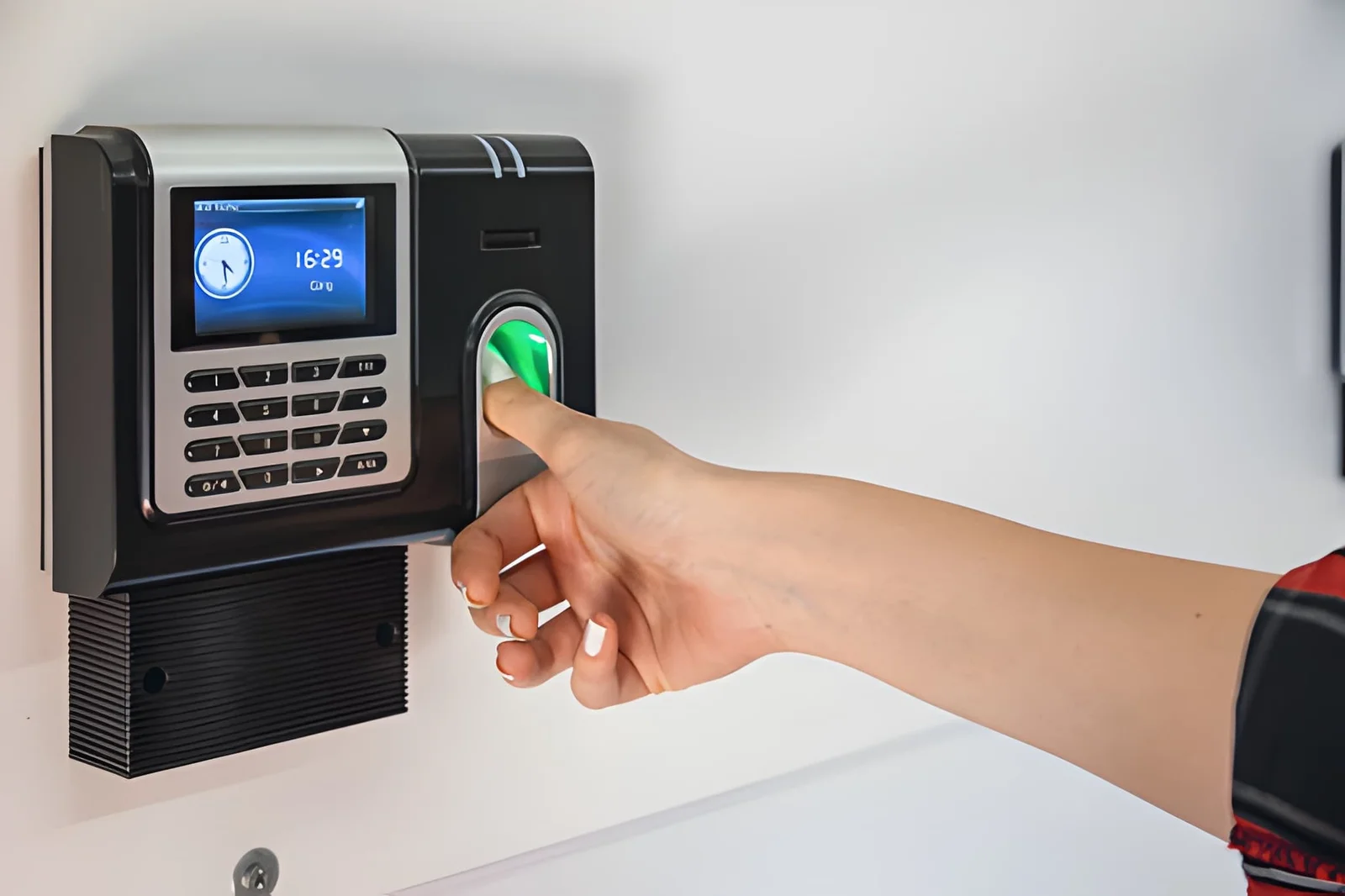
A biometric attendance system has four parts: a device that scans a fingerprint, face, or palm; a list of enrolled staff; storage that holds each record; and a dashboard where managers read the data. Before buying, ask what happens when the internet drops, who manages enrolment, where records are stored, and how reports reach payroll.
Your payroll closes on Friday. Three employees say they were at work on Tuesday, but the records say otherwise. Managers cannot confirm the facts, so payroll becomes a negotiation. Overtime claims and staff trust suffer too. Sound familiar? Many HR teams face this each month, and it often stems from a poor purchase made months earlier.
A biometric attendance system should end such arguments. Yet most buyers face pages full of technical terms and still cannot tell what to buy. The good news is that every system has just four parts. Learn them, and you can judge any seller in minutes. This guide explains each part in plain words, with one question to ask per part. It also shows which jargon you can safely ignore.
Your Biometric Attendance System in Four Plain Parts
Every biometric attendance system has four parts: the device at the door, the list of enrolled staff, the place records are stored, and the screen where managers read them.
The Device at the Door
The device checks who is clocking in, using a fingerprint, face, or palm. A reliable biometric attendance machine does this in seconds, so queues stay short at shift change.
Common verification methods:
- Fingerprint: affordable, but worn fingertips can fail.
- Face: touchless, so it suits busy entrances. This CCTV-versus-biometric comparison covers camera-based options.
- Palm: a strong option where fingerprints wear down.
- PIN, card, or QR: useful backups.
Ask the seller: What happens when the internet drops or a scan fails?
FlowFiz devices support facial scan, palm recognition, PIN, RFID, and QR entry. They also keep recording attendance offline.
Enrolment: Who Is Allowed In
Enrolment is the part of a biometric attendance system that registers each employee’s biometric trait so the device can recognize them later. Sloppy enrolment creates duplicate profiles and lets former staff keep clocking in. Tell employees what is stored and who can view it, because trust speeds adoption.
Ask the seller: Who adds new hires, and how do we remove leavers the same day?
Where the Records Go
Records go to device memory, an office server, or the cloud. Your choice decides who sees the data and what happens if hardware fails.
- Device memory: simple, but data is lost if the unit breaks.
- Office server: full control, but you maintain it.
- Cloud: access from every branch, with backups managed for you.
Your biometric attendance data then flows into time attendance software, which turns raw punches into hours, late marks, and overtime.
Ask the seller: Where is each punch stored, and who can see it?
How Managers Read the Numbers
Managers read attendance through dashboards and reports that show late arrivals, absences, and overtime. A manager can fix a staffing gap at 9 a.m. when absences appear in real time.
A clear time attendance report also cuts payroll disputes. FlowFiz states that its software integrates with the HR and payroll tools Pakistani businesses already use.
Ask the seller: Can I see late arrivals and overtime without exporting a spreadsheet?
The Jargon You Can Safely Ignore
Most biometric attendance system brochures describe the same four parts in fancier words. Skip these terms and focus on outcomes:
- Category names: biometric time attendance and biometric attendance describe the same product.
- Brochure accuracy figures: test with your own staff instead.
- Sensor specifications: a live trial at your entrance tells you more.
A biometric attendance machine is only one part of the whole. A site visit shows the rest, and FlowFiz visits the workplace before recommending a device.
Four Questions That Protect Your Next Purchase
A reliable biometric attendance system comes down to four checks: how the device verifies, who is enrolled, where records live, and how managers read them. If a seller answers all four clearly, you can ignore the jargon. Start with one question today: what happens when the internet drops?
FAQs
What is a biometric attendance system?
It records arrivals and departures by verifying a fingerprint, face, or palm. It then stores the data for managers and payroll.
Does biometric time attendance suit factories and schools?
Yes. It also suits offices and larger enterprises. Match the method to the setting, such as face recognition where workers wear gloves.
Can it record attendance without internet?
Many devices can. They store punches locally and sync later. Confirm this with each seller, as models differ.